
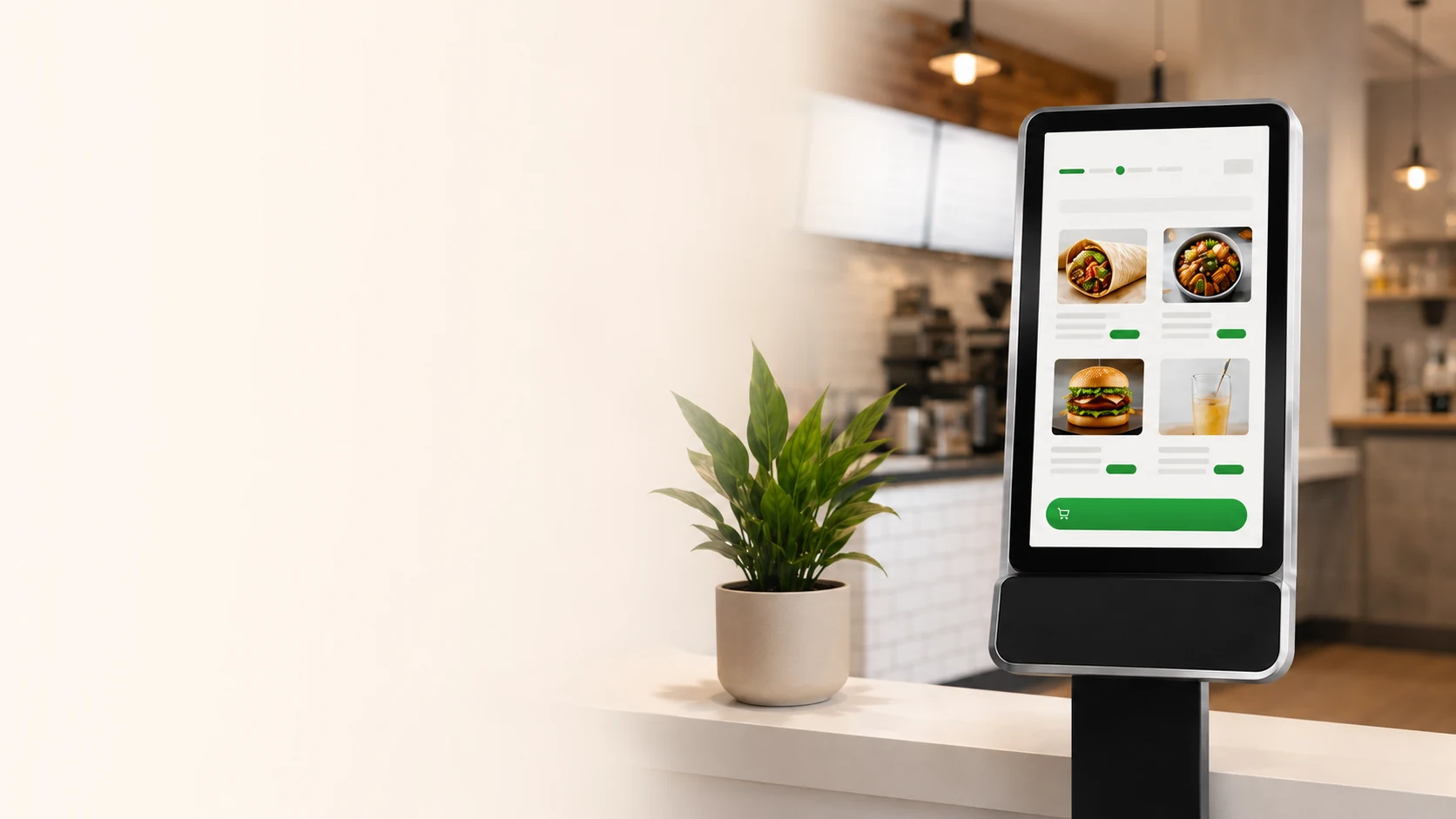
A second ordering lane for the rush, without changing how your team makes food.
What Is a Restaurant Kiosk?
A restaurant kiosk is a customer-facing touchscreen station where guests can browse your menu, customize their order, and pay — all without waiting in line at the counter. For quick-service restaurants, kiosks have become one of the most practical ways to handle high-volume ordering during peak hours.
Unlike traditional POS systems that are operated by staff, a restaurant kiosk puts the ordering experience directly in the customer's hands. This means your existing cashier can continue serving counter customers while the kiosk handles overflow. The result is two ordering channels running simultaneously during your busiest periods.
Major chains like McDonald's, Wendy's, and Panera have deployed kiosks across thousands of locations. But until recently, the technology was out of reach for independent restaurants. Relay changes that by offering a kiosk solution designed specifically for independent quick-service restaurants — shawarma shops, burrito bars, poke bowls, bubble tea stores, and similar fast-casual concepts.
Why Quick-Service Restaurants Are Adding Kiosks
Restaurant kiosks solve several operational challenges that independent restaurant owners face every day during peak hours.
Reduce Wait Times
When a single cashier is your only ordering channel, every customer waits their turn. A kiosk opens a second lane, allowing two orders to be placed simultaneously. During a 90-minute lunch rush, this can mean the difference between serving 45 customers and serving 65.
Increase Average Order Value
Kiosks consistently suggest add-ons, sides, and drinks without rushing the customer. Industry data suggests kiosk orders tend to be 15–30% higher than counter orders, though results vary by restaurant and menu design.
Improve Staff Efficiency
When your cashier doesn't have to handle every order, they can focus on order accuracy, food prep, and customer service. The kiosk handles the transaction while your team handles the experience.
Cleaner Kitchen Tickets
Kiosk orders are structured and legible. No handwriting, no miscommunication. Every modification, every add-on, every special request arrives in the kitchen exactly as the customer entered it.
How Relay Restaurant Kiosks Work
Relay is designed to be simple for both you and your customers. There's no complex integration required — the kiosk operates as a standalone ordering station that sends clean tickets directly to your kitchen.
We configure your menu
We load your full menu with categories, modifiers, add-ons, and pricing. Every item is presented exactly as your customers expect to see it.
Customers order on the kiosk
Guests browse, customize, and pay on a large touchscreen. They can take their time without feeling rushed — which is when add-ons and upsells happen naturally.
Tickets flow to your kitchen
Orders are sent to your kitchen display or printer in real time. The ticket format matches your existing flow, so your kitchen staff doesn't need to learn anything new.
You measure the impact
Track kiosk orders, average ticket size, and peak-hour throughput. Use real data to decide whether the kiosk is working for your restaurant.
Which Restaurants Benefit Most From Kiosks?
Restaurant kiosks work best in environments where customers already know what they want and the menu supports customization. If your restaurant has a build-your-own concept or a straightforward ordering flow, a kiosk will feel natural to your customers.
Relay is specifically built for the following types of restaurants:
Whether you operate a single location or manage a small chain of 2–10 restaurants, Relay scales with your business. The system is designed for restaurant owners who want enterprise-level ordering technology without enterprise-level complexity or cost.
Restaurant Kiosk vs. Hiring Another Cashier
When your restaurant gets busy and the line starts growing, the natural instinct is to hire another cashier. But in today's labour market — especially in Ontario — finding reliable part-time staff for peak hours is increasingly difficult and expensive.
A restaurant kiosk offers an alternative. It doesn't call in sick, it doesn't need training on new menu items, and it works every rush hour consistently. While a kiosk doesn't replace the human touch of a great cashier, it provides a reliable second ordering channel that's always available.
| Factor | Additional Cashier | Restaurant Kiosk |
|---|---|---|
| Availability | Subject to scheduling, sick days | Available every rush hour |
| Training | Weeks of training needed | Menu configured once |
| Upselling | Inconsistent | Consistent suggestions every order |
| Order Accuracy | Human error possible | Customer enters their own order |
| Monthly Cost | $2,000–$3,500+ | Fraction of hiring cost |
Read our detailed comparison: Restaurant Kiosk vs. Hiring Another Cashier.
Learn More About Restaurant Kiosks
How Self-Ordering Kiosks Help Restaurants Handle Rush Hour
Practical strategies for using kiosks to manage peak-hour volume without adding staff.
Do Self-Ordering Kiosks Actually Increase Average Order Value?
An evidence-based look at how kiosk ordering can influence ticket sizes.
Self-Ordering Kiosks for Restaurants
Learn about self-ordering kiosk technology and how it fits into your quick-service operation.
Restaurant Ordering Software
Explore how modern ordering software integrates with kiosks for seamless operations.
Restaurant Kiosk FAQ
Ready to add a second cashier to your restaurant?
Join the growing number of Ontario quick-service restaurants using Relay to handle rush hour, reduce lineups, and increase order value.